
CNC Press Brake Back Gauge Calibration Guide
CNC Press Brake Back Gauge Calibration Guide
Accurate back gauge calibration is critical for precise press brake bends. Proper calibration ensures consistent part dimensions and reduces scrap. This guide covers calibration procedures and troubleshooting tips.
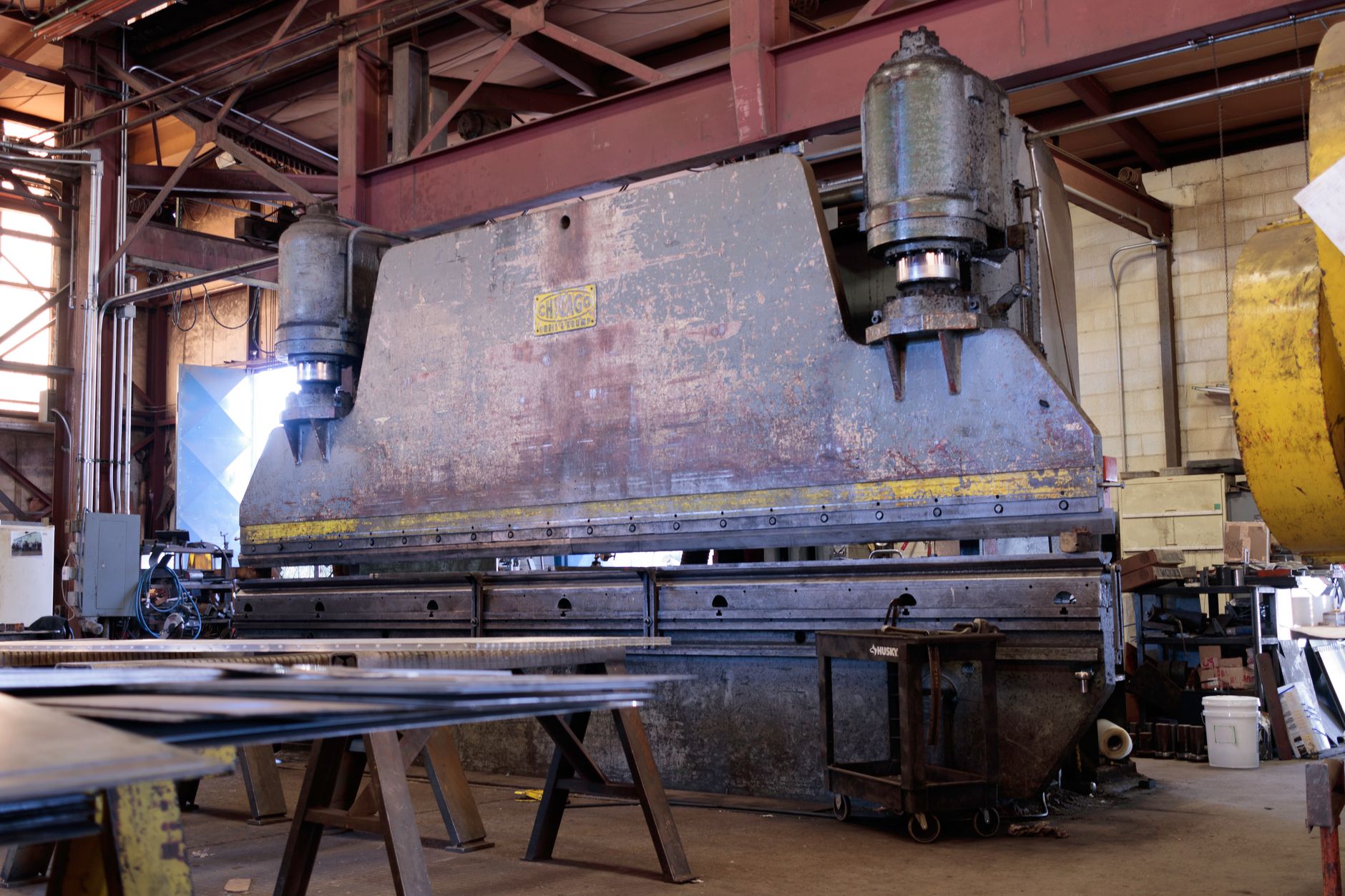
Back Gauge Function
Understanding how the back gauge works.
Purpose
The back gauge:
- Positions material: Sets bend line location
- Ensures consistency: Repeatable part dimensions
- Supports material: Prevents sagging during bending
- Programs bend sequence: Multi-bend part accuracy
Components
Key back gauge elements:
- Rails: Guide finger movement
- Fingers: Contact and position material
- Drive system: Motor and ballscrew
- Encoders: Position feedback
Calibration Preparation
Required Tools
Gather these items:
- Precision ruler: Accurate to 0.01mm or 0.001″
- Test material: Known thickness, flat stock
- Calipers: For measuring bent parts
- Cleaning supplies: Remove debris from rails
Pre-Calibration Checks
Before calibrating:
- Clean rails: Remove all debris and old lubricant
- Check lubrication: Apply fresh way oil
- Inspect fingers: Look for wear or damage
- Verify level: Machine must be level
Calibration Procedure
Step 1: Home Position
Establish reference point:
- Return to home: Execute home cycle
- Verify position: Check display reads zero
- Physical check: Measure from die to fingers
- Adjust if needed: Follow manufacturer procedure
Step 2: Axis Calibration
Calibrate each axis:
- Command position: Move to specific distance (e.g., 100mm)
- Measure actual: Use precision ruler
- Compare values: Note any discrepancy
- Enter compensation: Input correction factor
- Repeat: Test at multiple positions
Step 3: Finger Alignment
Ensure parallel positioning:
- Measure both fingers: Check left and right positions
- Adjust independently: Some machines allow individual finger adjustment
- Verify parallel: Both fingers same distance from die
- Test with material: Insert stock, check contact
Troubleshooting
Common Problems
Issues and solutions:
- Inconsistent dimensions: Recalibrate, check for mechanical wear
- Back gauge drift: Check encoder connections, replace if faulty
- Motor noise: Inspect ballscrew, lubricate or replace
- Slow movement: Check for obstructions, verify motor function
When to Call Service
Professional help needed for:
- Encoder failure: Requires specialized equipment
- Motor problems: Electrical diagnosis needed
- Mechanical damage: Bent rails or broken components
- Repeated calibration failure: Underlying issue exists
Frequently Asked Questions
Q1: How often should back gauge be calibrated?
Monthly for high-use machines, quarterly for moderate use. Also calibrate after any maintenance or if part dimensions become inconsistent.
Q2: What accuracy should I expect?
Well-calibrated back gauges achieve ±0.01mm (±0.0004″) accuracy. Older machines may have slightly lower precision.
Q3: Can I calibrate without special tools?
Basic calibration is possible with a good ruler. Precision calibration requires calibrated measurement equipment.
Q4: Why do my parts vary even after calibration?
Consider material variation, springback changes, or tooling wear. Back gauge is only one factor in bend accuracy.
Conclusion
Regular back gauge calibration maintains press brake accuracy and reduces scrap. Follow manufacturer procedures, use proper tools, and document calibration results. When in doubt, consult your machine manual or call qualified service.
Need press brake support? We provide CNC press brakes with full calibration support and training.